Examples / Screenshots
Viewing a diff
Open History from a FormBuilder form's, SearchKit search's, or Message Template's row-actions menu (or the "History" button on the FormBuilder listing). Select a previous version on the left to see what changed compared to the current live version.
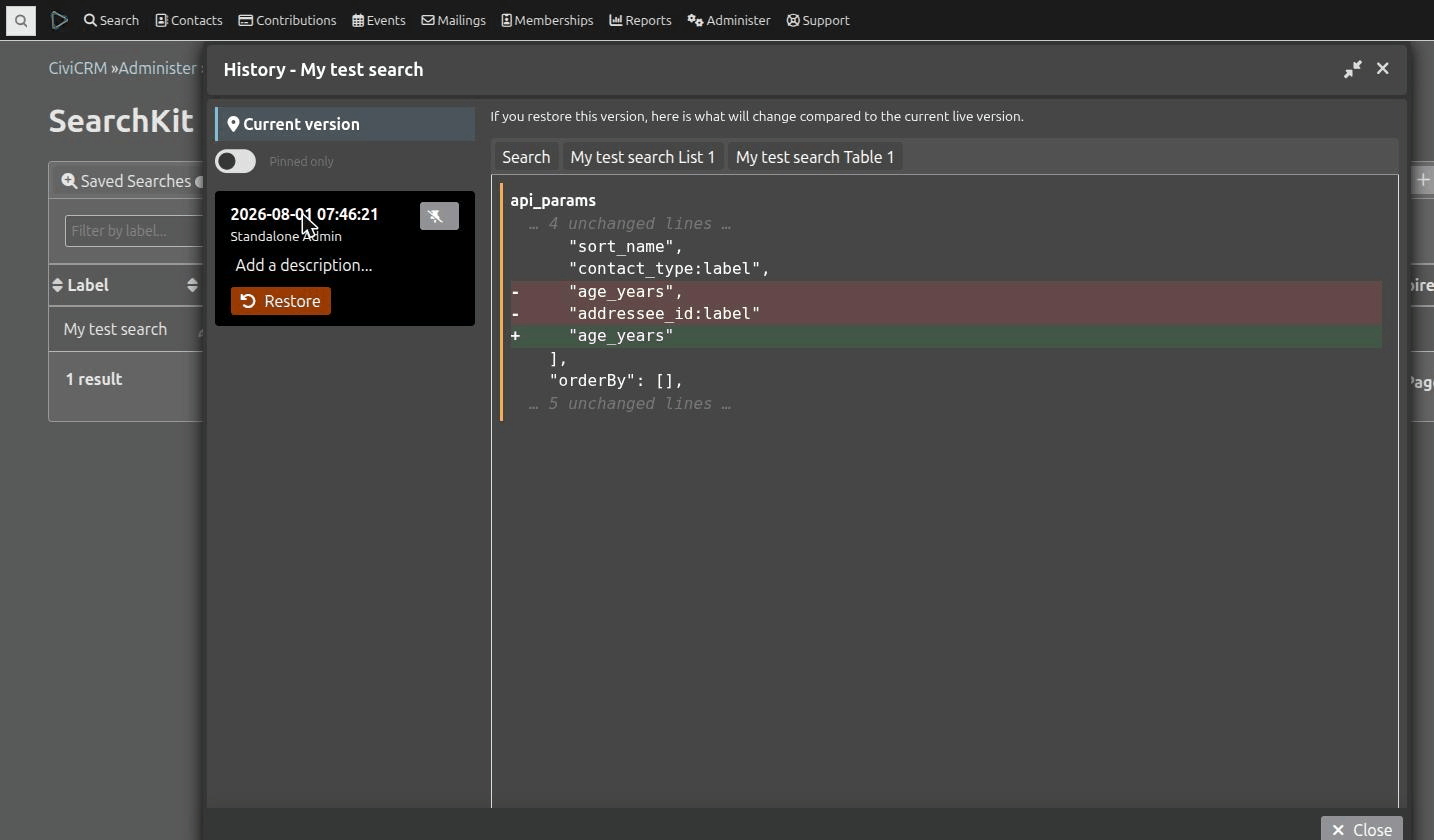
For a SearchKit search, changes are grouped into a "Search" tab (the search's own fields) plus one tab per linked SearchDisplay - only tabs with actual changes are shown. Each display tab has its own "Restore this display only" action, independent of the main "Restore" button which reverts everything in that revision.
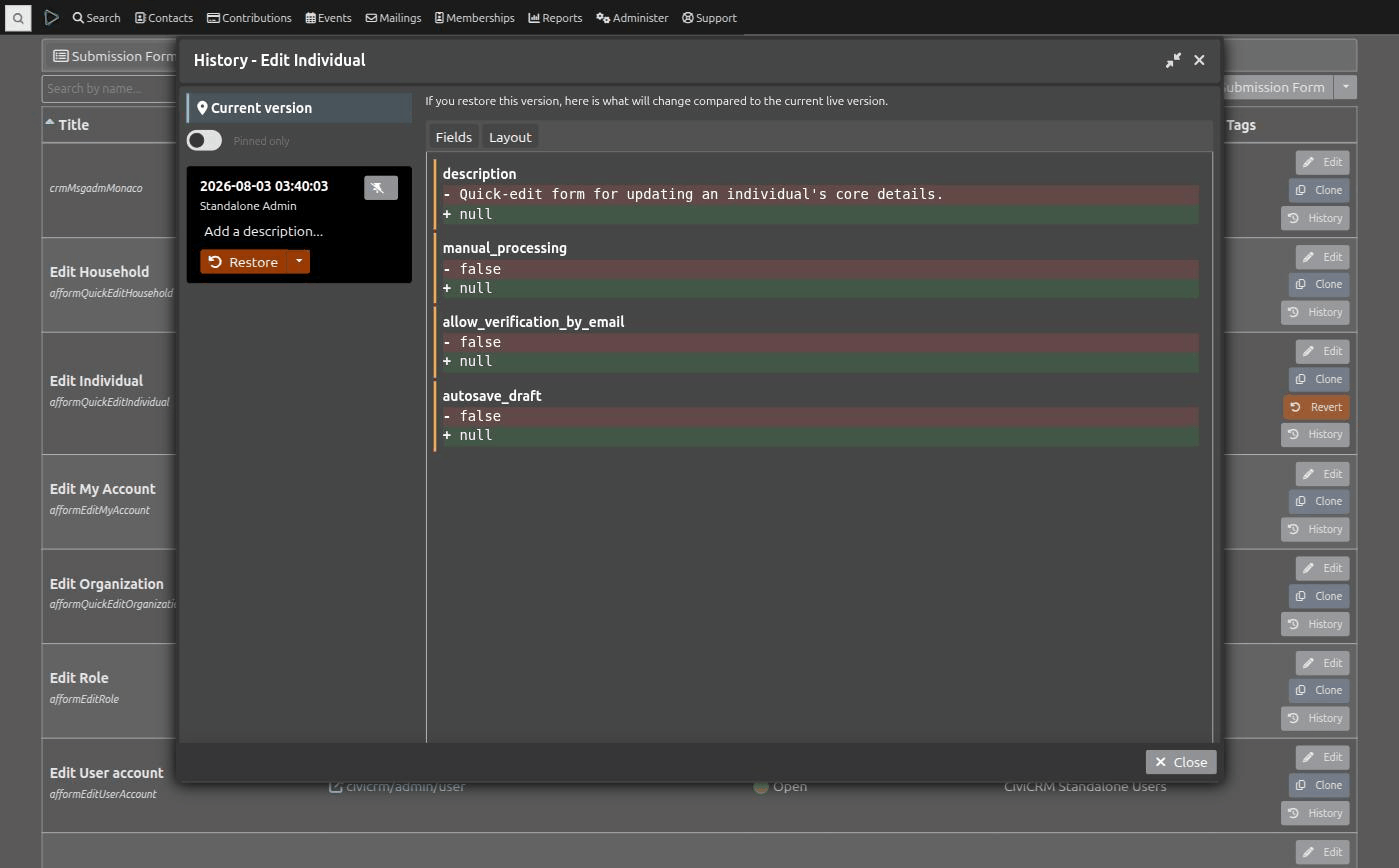
For a FormBuilder form, changes are grouped into a "Fields" tab (the form's own settings, e.g. title/description/permissions) and a "Layout" tab (the form's markup), diffed independently - a pure layout edit won't clutter the Fields tab and vice versa.
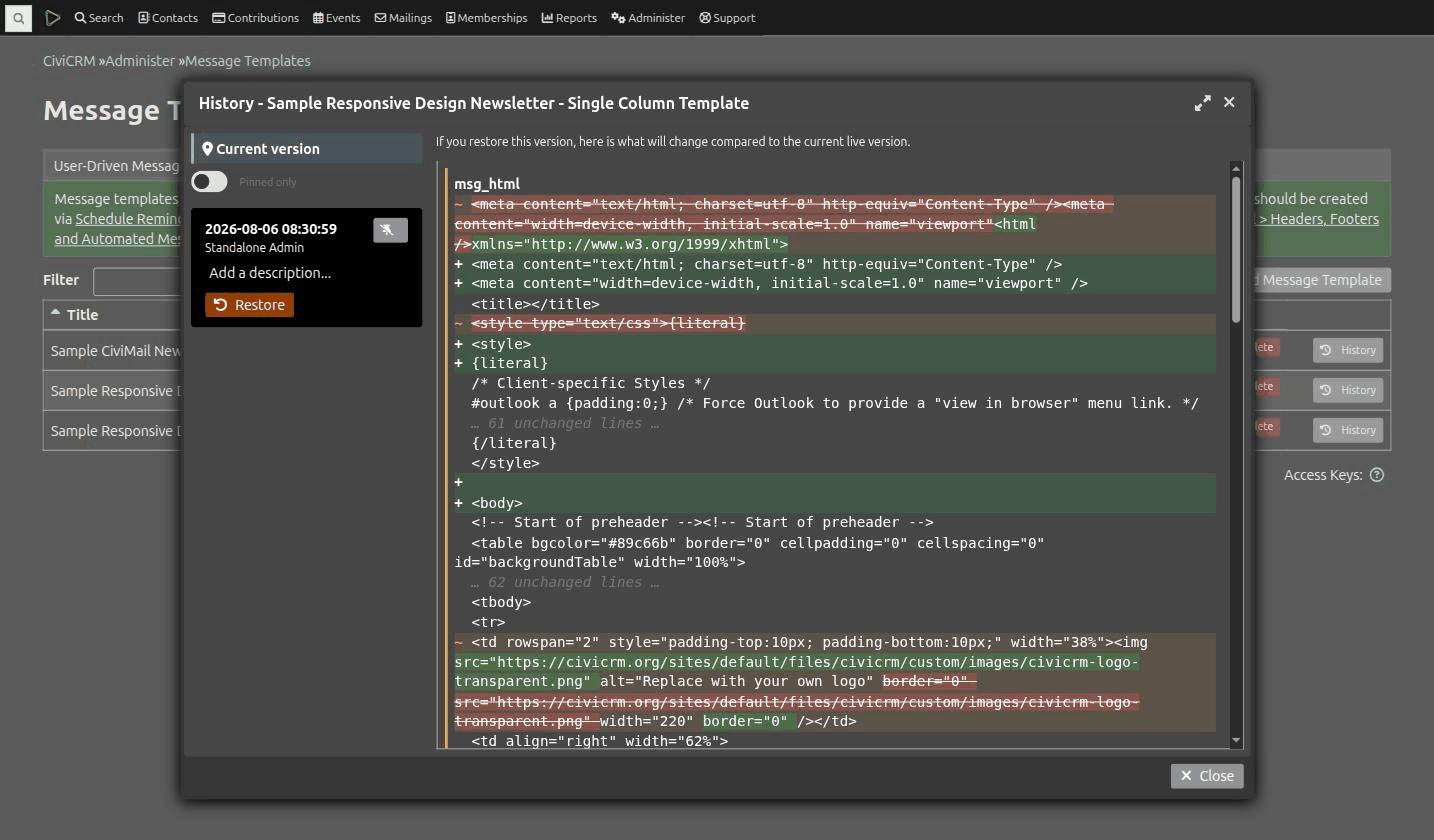
For a Message Template, changes to the subject, HTML/text body, or settings show up the same way - and since a template's HTML body is often one long block of markup, only the actual edited word (or the one line that changed) is highlighted, not the whole field. This also catches "Revert to Default" on a system workflow template, since that's just another save under the hood.
Current version
Selecting "Current version" in the sidebar shows every field as currently saved (not a diff), so you can see the full picture without picking a specific old revision to compare against.
Pinning and descriptions
Each revision in the list can be pinned (exempting it from automatic pruning) and given a free-text description - useful for marking "before the 2026 renewal changes" or similar, so you can find it again later.